

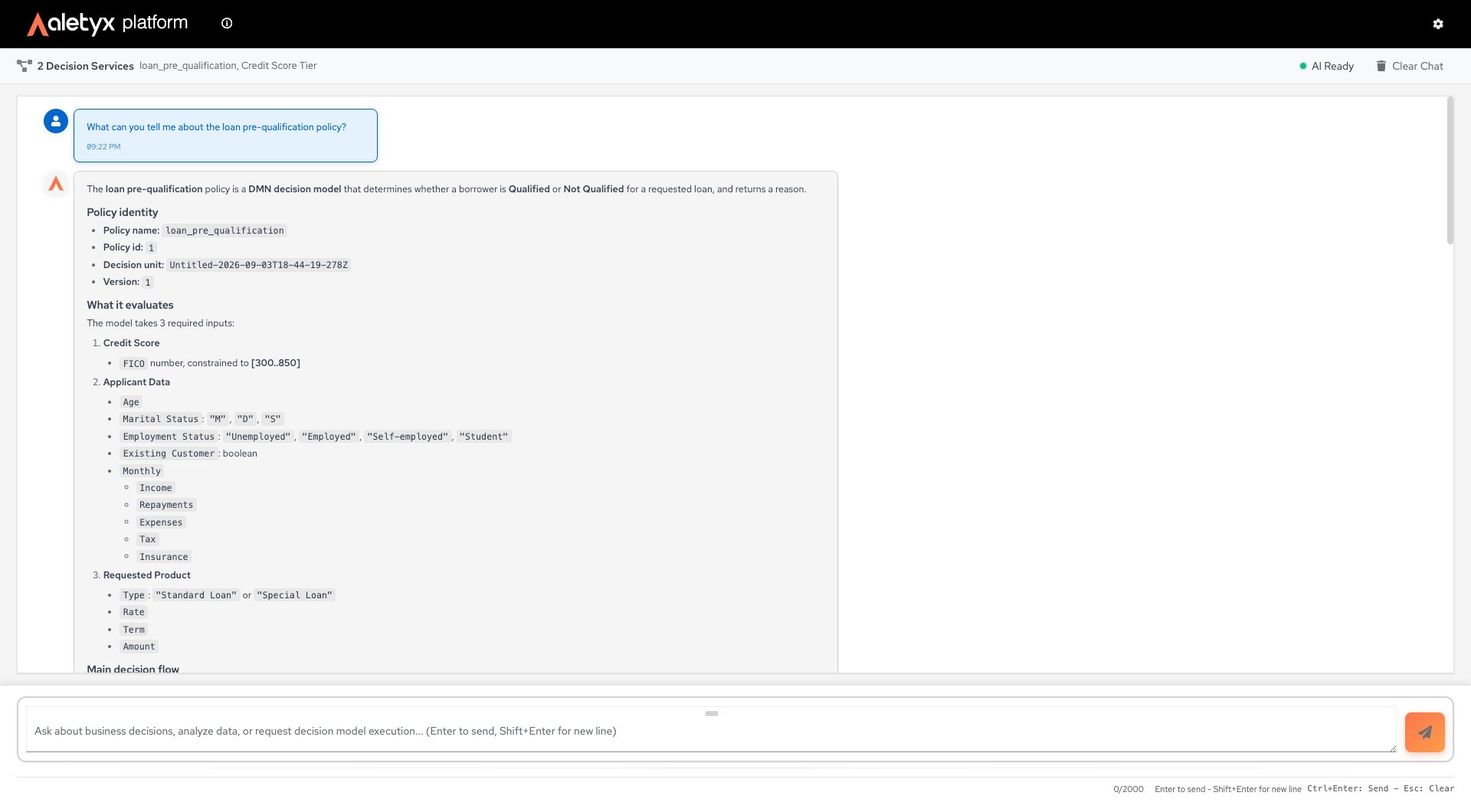
Not the same as the in-editor AI AssistantThe Prompting workspace runs decisions and answers questions about published models, for end users. The in-editor AI Assistant builds and edits decision models inside Decisions, for authors. Different products, different access (Prompting vs Authoring).
How to send a message to the AI assistant
Ask questions about your decision models in natural language. Steps:- Open Prompting (chat).
- Type your question in the message box (“Ask about business decisions…”).
- Press Enter to send (Shift+Enter for a new line).
How to use a suggested prompt
Start quickly from a canned example. Prerequisites: Decision services loaded (suggestions only show then). Steps:- On the empty chat screen, click one of the suggested prompts.
- Edit if needed and send.
How to execute a decision model via chat
Have the assistant run a published model. If you don’t include all the inputs, it collects the missing ones from you conversationally. Prerequisites: At least one decision service available (the badge at the top of the chat shows the count, e.g., “1 Decision Service”). Steps:-
Ask the assistant to execute a model — for example:
- If a required input is missing, the assistant replies with a question (e.g., “What is the Age?”). Answer with the value in the next message.
- Repeat until all inputs are provided. The assistant runs the model and replies with a result block: an Input → Value table, an Output → Value table, and a short interpretation.
How to clear the conversation
Reset the chat history on the prompting page. Prerequisites: At least one message. Steps:- Click Clear Chat.
- Confirm Clear in the “Clear conversation?” dialog.