The Aletyx AI Assistant can generate test cases for your decision models: describe the scenario you want to test and it produces realistic input values shaped to the model’s data types, so you can run them and confirm the decisions behave as intended. This page uses the Loan Pre-Qualification sample model, the same one from the Setup guide.

Generating tests

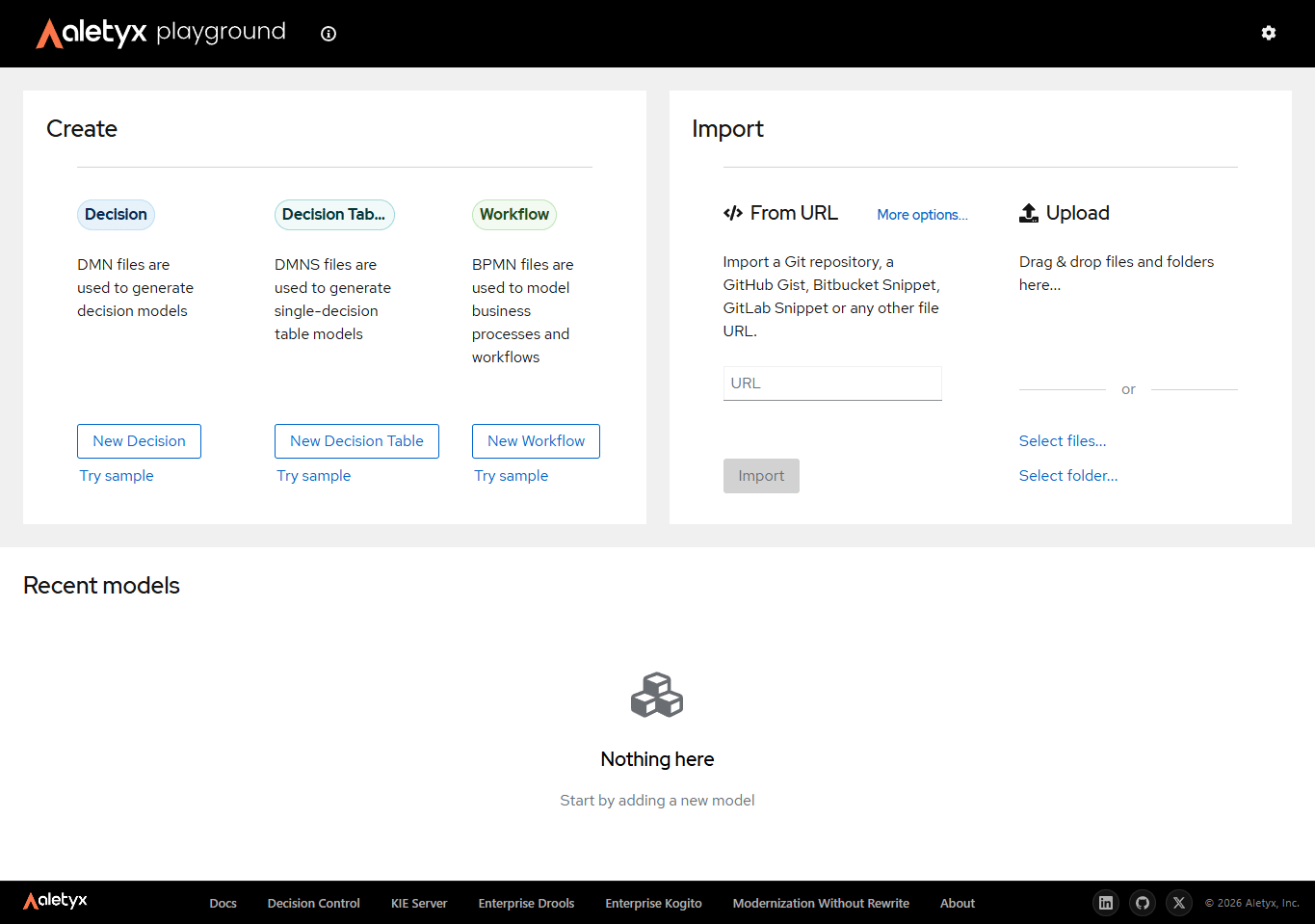
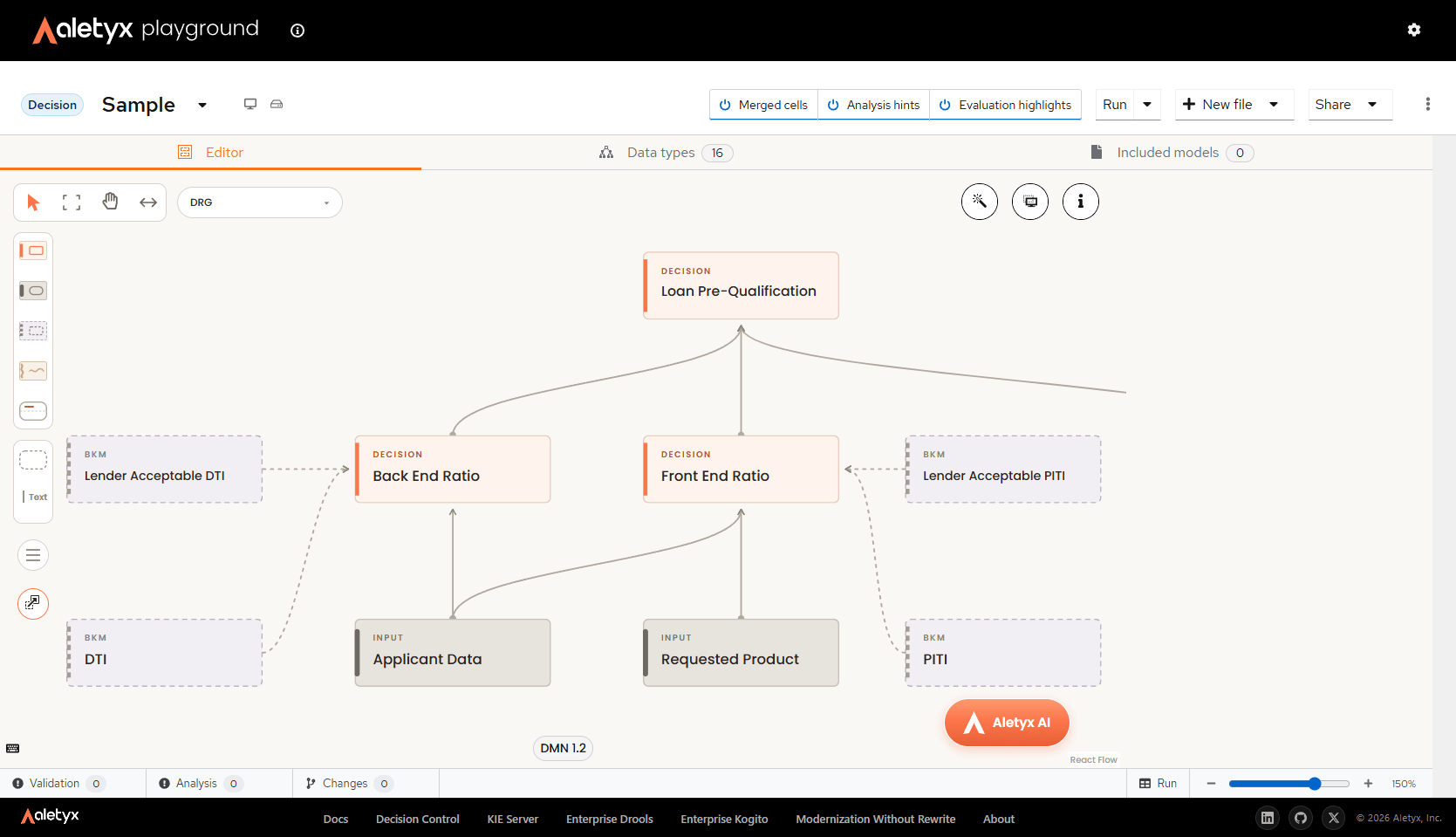
Start the same way as in the Setup guide: go to playground.aletyx.ai and click Try sample under Decision. The Aletyx Playground home screen, with Create and Import options The sample opens the Loan Pre-Qualification model in the decision editor. Click the floating Aletyx AI button at the bottom-right to open the assistant. The decision editor showing the sample model and the floating Aletyx AI button
Positive case

Start with a case in which the application should be approved:
The assistant produces a complete set of inputs designed to qualify: a credit score and applicant data - income, expenses, and debts - that keep both the front end and back end ratios within their thresholds. Run the model with those inputs and the decision comes back Qualified.

Negative case

Then ask for a case that should be denied:
This time the assistant shapes the application to fall short - in this run, with debts high enough to push the debt-to-income ratio past the acceptable threshold. Running it returns Not Qualified along with the reason, so you can confirm the model rejects applications that don’t meet the criteria.

Run and verify the tests

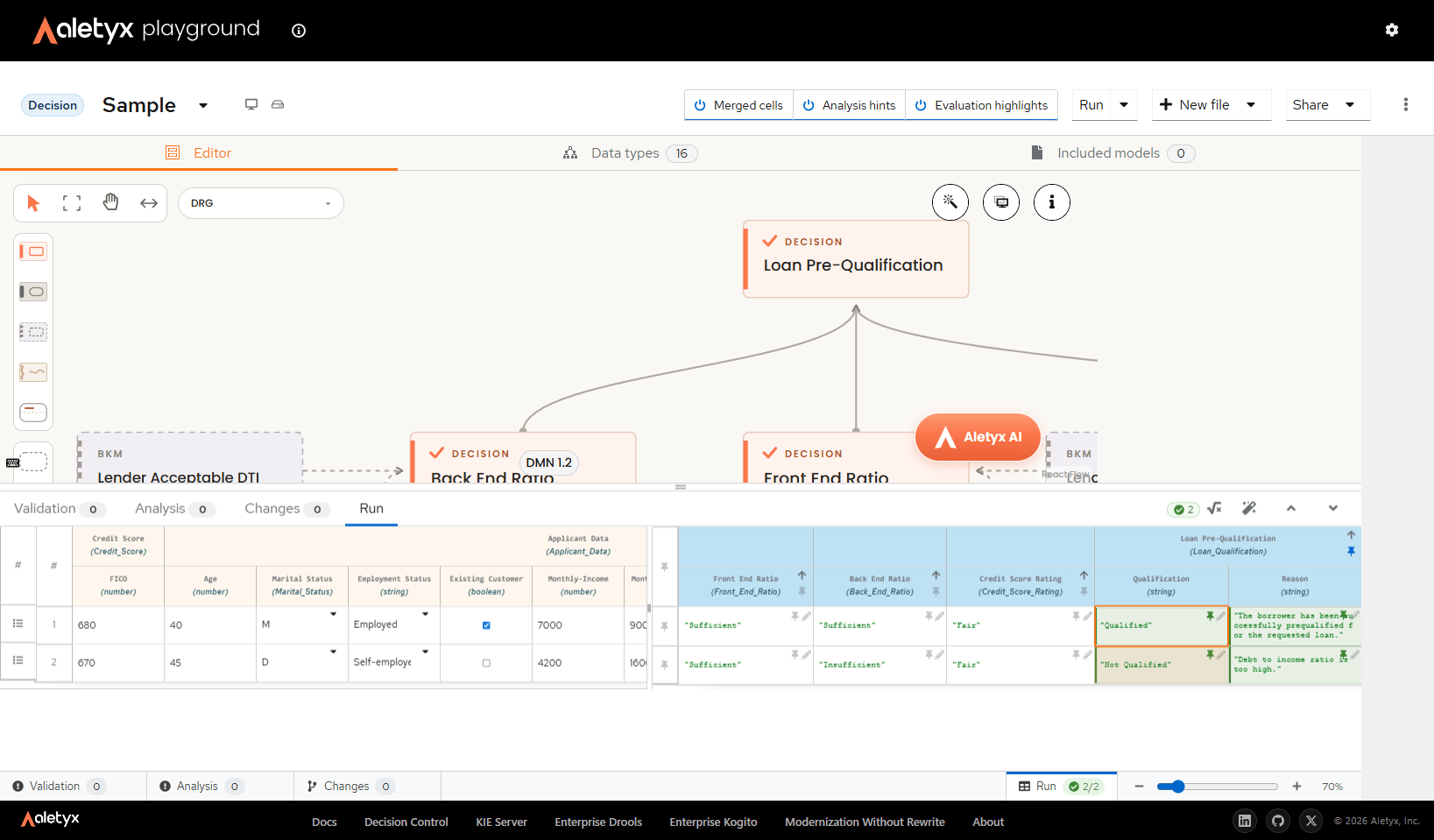
Open the test runner - use the test button the assistant provides with the generated cases, or the Run button at the bottom-right of the editor. The Run panel shows each test case as a row: the input values on the left and the evaluated results on the right, with the qualification and its reason for every case. The Run panel showing both generated test cases evaluated - one Qualified and one Not Qualified with its reason Verify that the values match what each scenario intended - the positive case comes back Qualified, and the negative case Not Qualified with the reason “Debt to income ratio is too high.” When a result is correct, consider pinning it as the expected value using the pin icon on the result cell: pinned results turn the row into a proper test, and the runner checks every future run against them - the badge at the bottom-right shows how many cases pass (here, 2/2).